Media Kit

Click, preview, and download launch-ready post images.

This page gives you the final formats for manual sharing. Use the portrait image for Instagram and WhatsApp Status, and use the wide cards for link previews, X, or launch posts.

Recommended: for a manual promo post, download the portrait card first. For link sharing, use the Open Graph card.
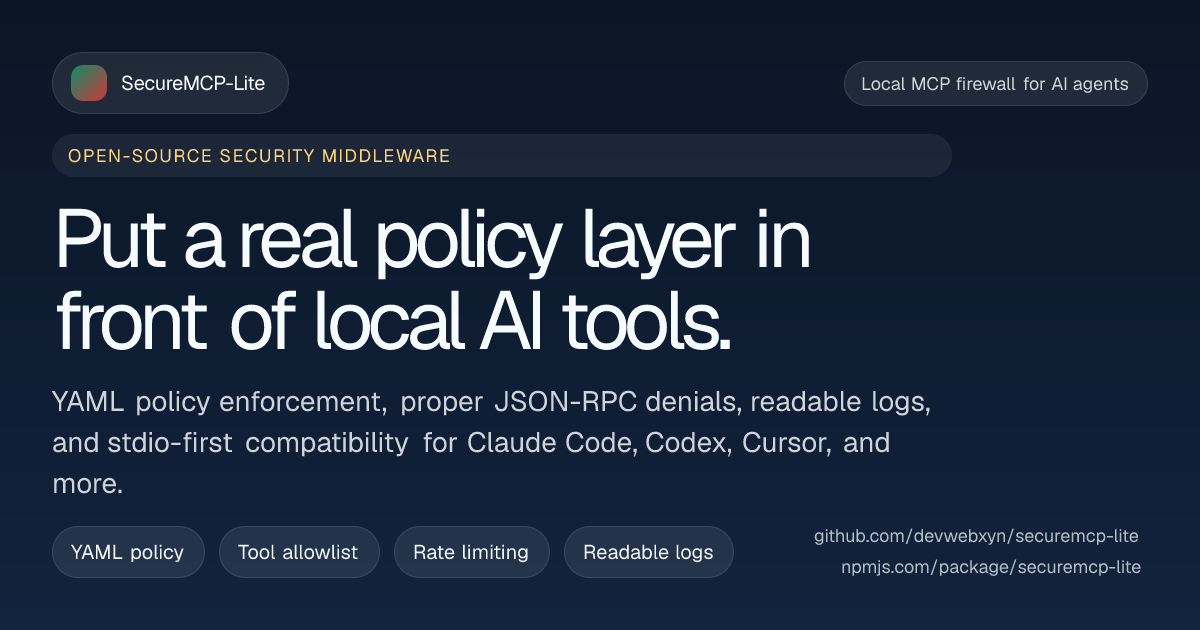
SecureMCP-Lite Open Graph preview card
1200 x 630 PNGReady to post

Link Preview Card

Wide social card for WhatsApp shares, Open Graph previews, Slack, Telegram, and any post that points back to the website.

Best forBest when you want the image to look strong in link unfurls and still work well for manual posting in landscape format.
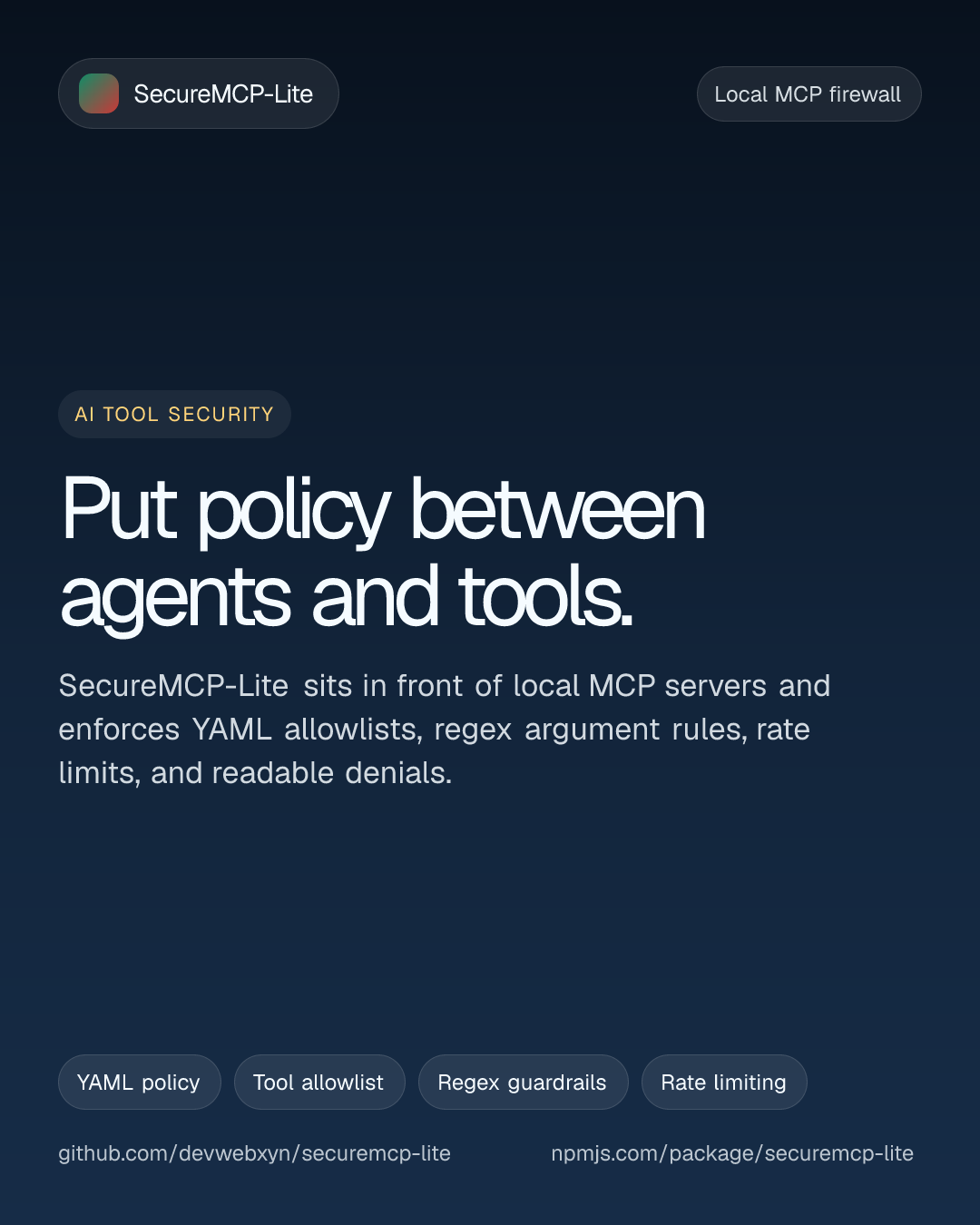
SecureMCP-Lite portrait post card
1080 x 1350 PNGReady to post

Manual Post Portrait

Portrait launch card sized for manual posting to Instagram feeds, WhatsApp Status, and other mobile-first channels.

Best forBest for manual uploads where you want a taller asset that fills more screen space and feels like a polished promo card.
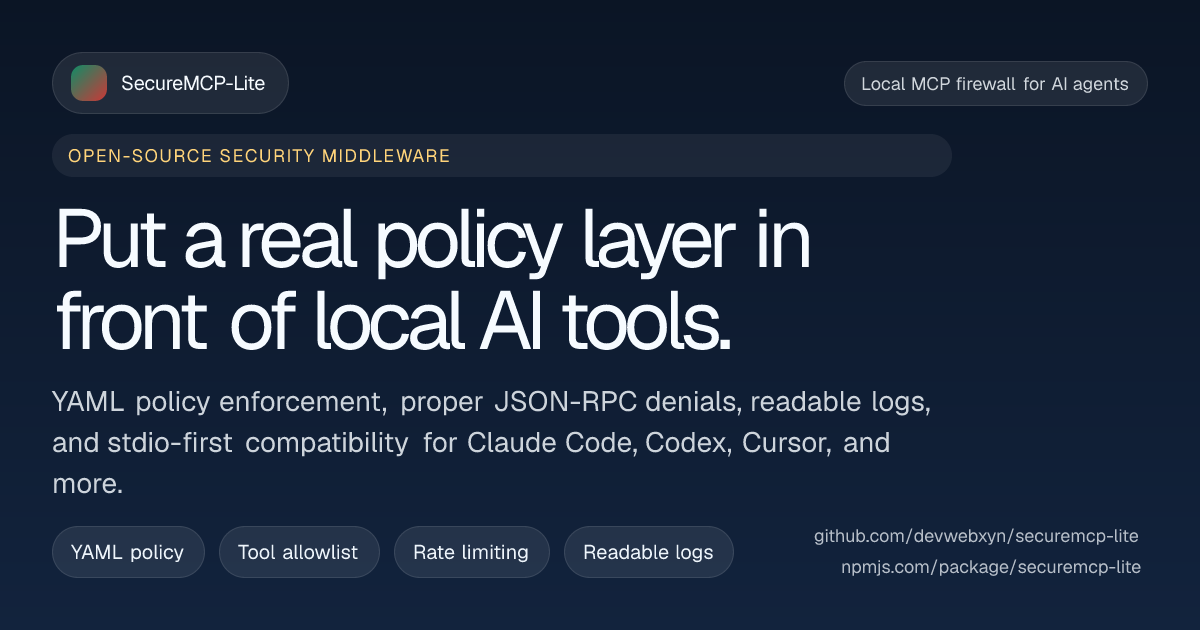
SecureMCP-Lite Twitter card
1200 x 630 PNGReady to post

Twitter/X Variant

Dedicated wide card for manual uploads to X, launch threads, social schedulers, and any tool that expects a landscape social image.

Best forBest when you want a separate export ready for manual social posting while still keeping the same visual language as the site preview card.